









Abstract Submissions
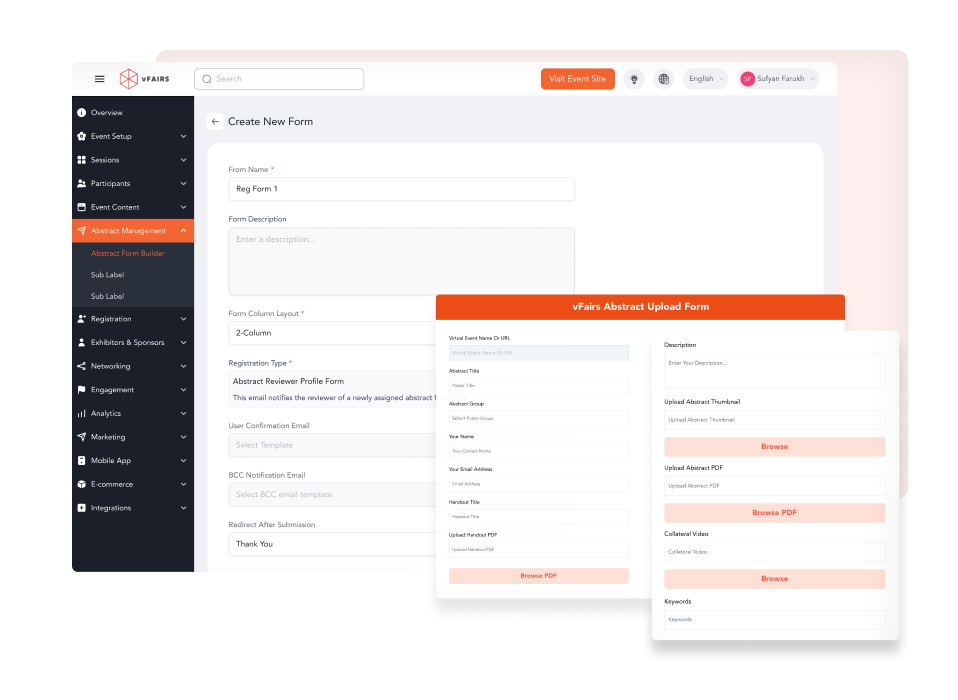
Collect Abstract Submissions with Customizable Forms
- Use drag-and-drop form builder to create custom submission forms for posters, podiums, or general entries.
- Customize forms by abstract type with unique questions or fields.
- Automatically generate author, co-author and submitter profile forms.
- Use dynamic form fields that adjust automatically with conditional logic.
- Group submissions by category, track, and type to simplify review and session setup.
- Set up custom deadlines for form and abstract submissions.
Load More
Submitter Portal
Control Deadlines & Give Abstract Submitters Control Over their Profiles
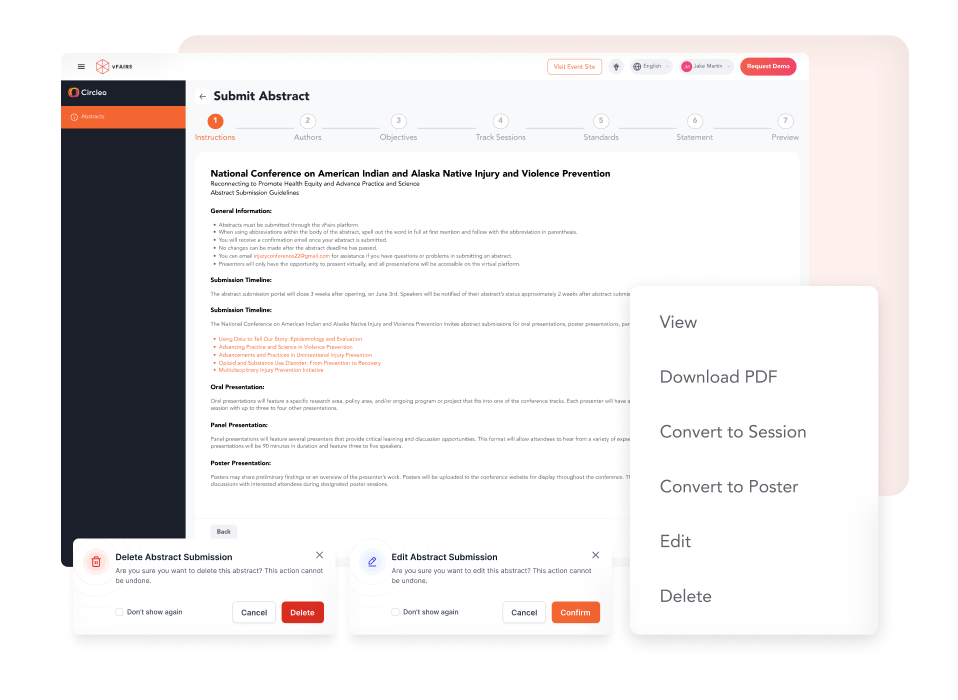
- Allow abstract submitters to login to a dedicated portal to manage their entries.
- Let submitters save drafts, make edits, or finalize only when ready.
- Let submitters add primary and co-authors to their abstract submissions.
- Set limits to number of allowed co-authors for each submission.
- Set specific cutoff dates for different submission types.
- Offer editing or submission extensions using access codes.
Load More
Reviewer Assignment
Assign Reviewers Manually Or In Bulk with Matching Criteria
Enable swift check-ins with high-speed badge printer, wi-fi router, ethernet switch, and data package to deliver an amazing in-person event experience.
- Assign reviewers automatically or manually based on category or track.
- Use bulk assignment to save time for large events with numerous submissions.
- Assign submissions through round-robin distribution or choose reviewers with fewer assignments first.
- Set up multi-layer evaluation with peer reviewers, panel judges, or lead reviewers.
- Track evaluation progress with a centralized reviewer dashboard.
Load More

Evaluation Criteria
Set up Clear Review Criteria and Blind Reviews for Fair Evaluations
Get the support of vFairs certified on-site staff that will not only set up your VenueGear ahead of time but will also configure everything to ensure a successful event.
- Hide submitter and author details from reviewers to maintain impartiality through double-blind reviews.
- Enable peer reviewers to evaluate without knowing the identity of submitters via single-blind reviews.
- Allow panel judges to make final decisions based on majority votes.
- Set up custom review criteria like relevance, concept clarity, etc to help reviewers make a fair decision.
- Allow reviewers and judges to leave their ratings based on given guidelines.
Load More

Event Communication
Set Up a Custom Notification System to Keep Everyone Updated
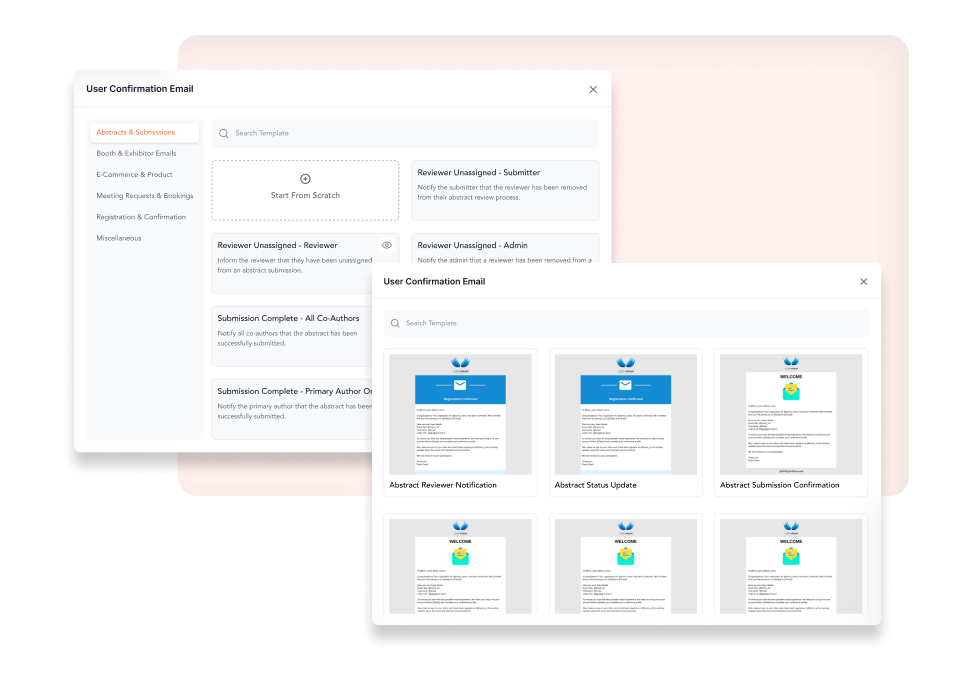
- Choose which activities trigger email notifications for reviewers, submitters, authors, etc.
- Trigger automated emails for submission received, assigned, reviewed, accepted, or rejected, etc.
- Manage all event communications with detailed settings and email templates.
- Send step-by-step email notifications to everyone so they’re always in the loop.
- Create custom segments from your audience to ensure emails go to the right people.
Load More
Speakers & Sessions
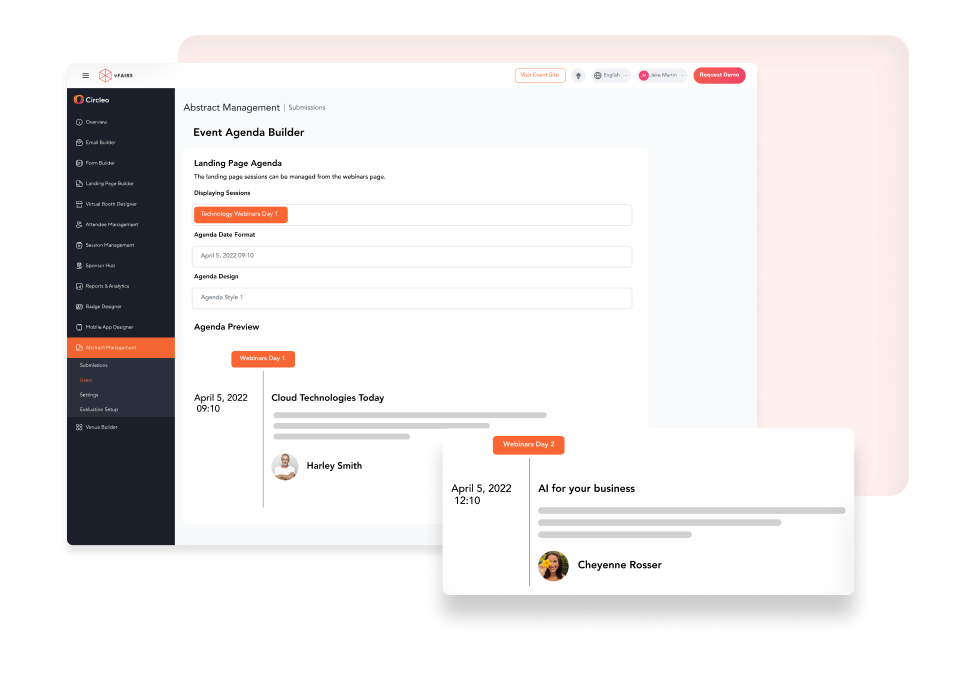
Easily Convert Accepted Abstracts into Event Sessions & Authors to Speakers
- Minimize effort by automating much of the session setup process.
- Use field-mapping to convert accepted abstracts into agenda sessions or webinars.
- Include session details like speaker bios, titles & presentation types.
- Collect speaker details through submitter, author, or co-author profiles.
- Link speakers to sessions automatically using mapped submission fields.
Load More
Analytics
Track Submissions, Evaluations & Progress with Detailed Reports
- Track the total number of submissions, reviewers, accepted abstracts, and more.
- Access detailed logs of submission edits, reviewer assignments, and decisions.
- Generate real-time evaluation reports to keep all stakeholders informed.
- Export data to CSV files for easy analysis of event performance.
Load More