









Registration
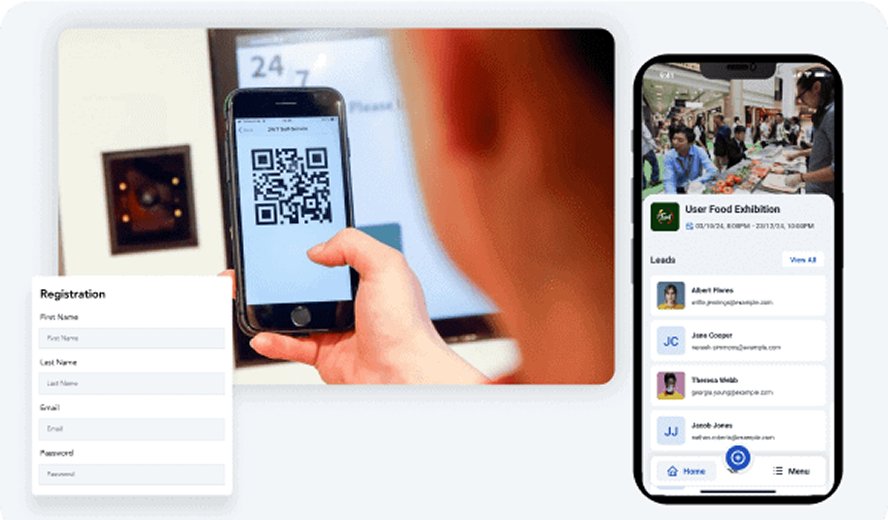
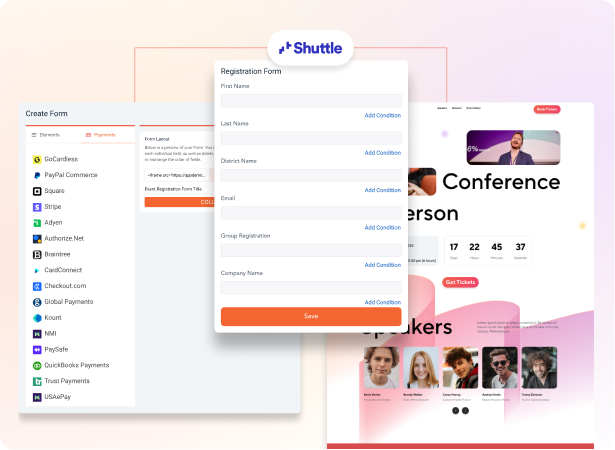
Create custom registration forms that makes matchmaking actually work.
- Ask attendees about role, interests, goals, and the kinds of people they want to meet in the registration form, so the matchmaking algorithm has real signal to rank against.
- Let attendees publish a short bio with their photo, title, company, and what they want from the event so peers know who they are talking to before the first hello.
- Spin up branded sign-up pages for delegate, sponsor, and speaker tracks, with each track captured against the right matchmaking fields.
- Sync registrations into Salesforce, HubSpot, or Marketo so the profile data attendees give you is the same profile your follow-up campaigns target.
AI-Powered Matchmaking
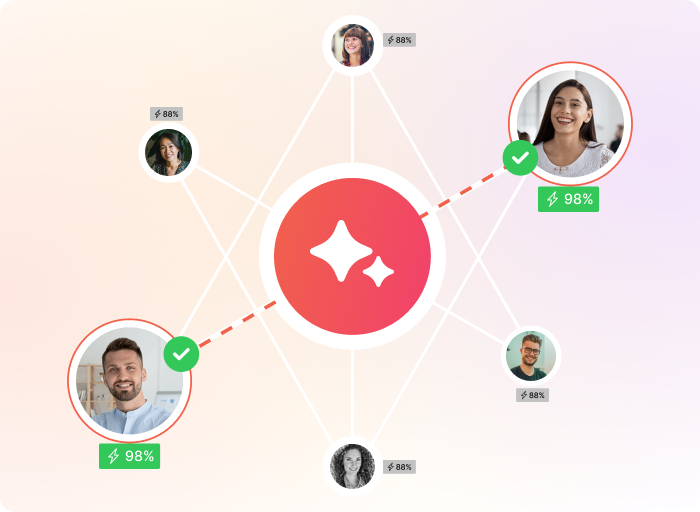
Enable attendees to walk in knowing exactly who to meet.
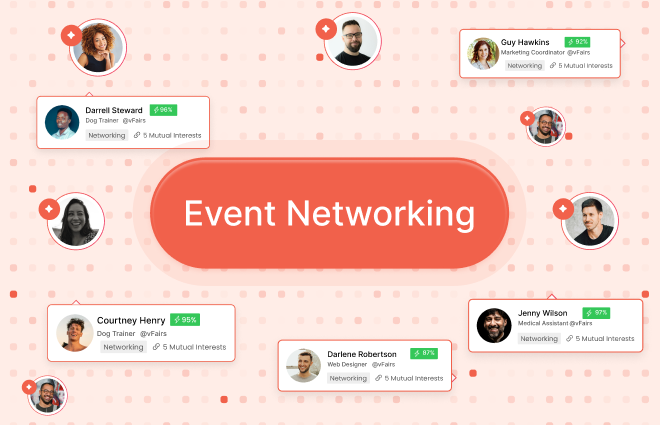
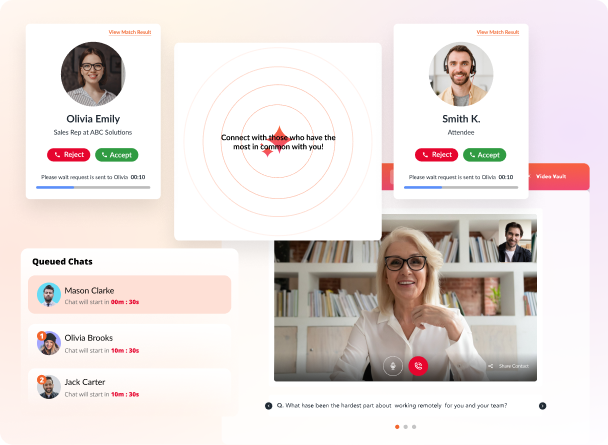
- Rank the right people for each attendee using their registration profile, interests, role, and goals, with smart matchmaking that runs before doors open and updates as the event progresses.
- Surface matches inside the event app with accept, decline, and request-new-match controls so attendees stay in charge of their own schedule.
- Pair attendees who both opted in with a one-tap path into chat or a scheduled meeting, so an interest in meeting turns into a meeting on the calendar.
- Run matchmaking the same way for in-person, virtual, and hybrid events, so attendees on a venue floor and attendees in a browser get the same ranked list.
Meetings & Appointments
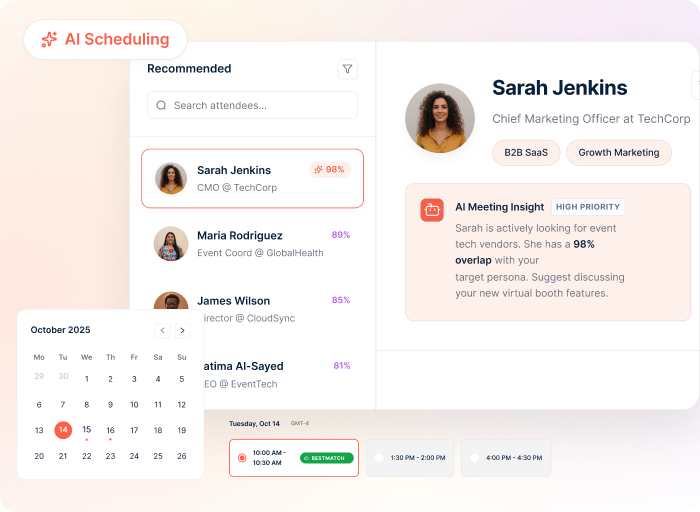
Let attendees and exhibitors book meetings without the email back-and-forth.
- Let attendees and exhibitors search the attendee listing, filter by role or interest, and send a meeting invite in two taps from the event app.
- Hand exhibitors and sponsors a portal where they can invite attendees to 1:1 meetings, see who accepted or declined, and manage their full meeting lineup for the event.
- Drop accepted meetings into the attendee's calendar with a calendar invite that lands in Outlook or Google so nobody forgets the slot.
- Show each attendee a daily lineup of their accepted meetings so they walk into the venue knowing who they are seeing and when.
Contact Exchange
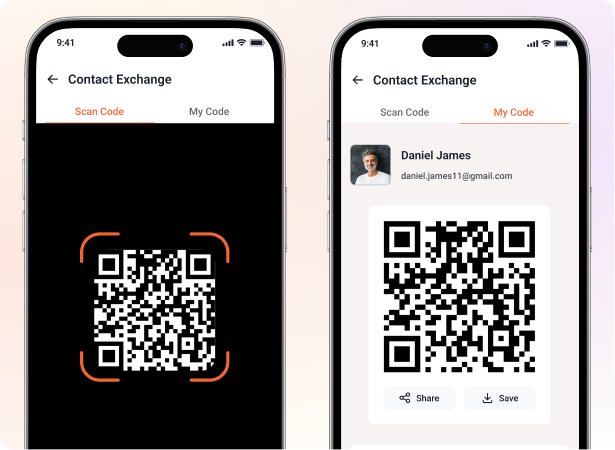
Let attendees swap details with a badge scan, not a business-card pile.
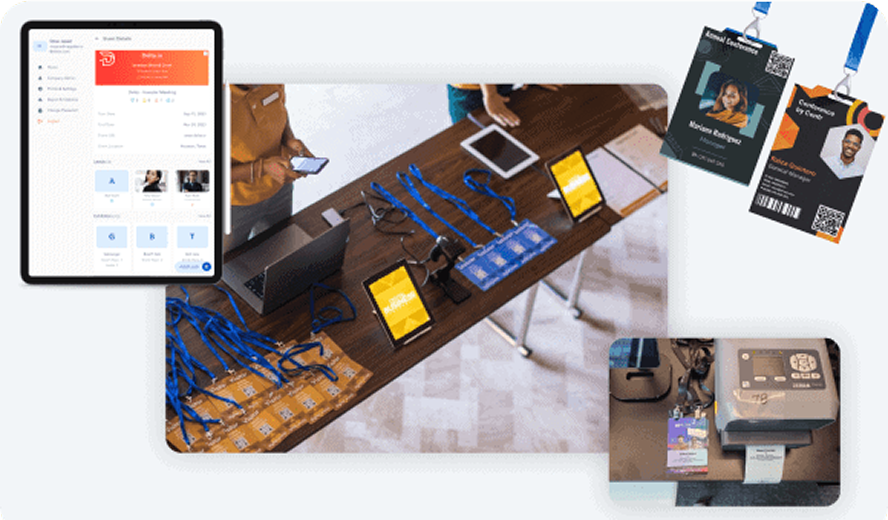
- Let attendees scan each other's smart badges or QR codes inside the event app and the other person's profile lands in their contact list in two seconds.
- Tag each saved contact with notes and interest categories so attendees remember why they talked, not just that they did.
- Give your exhibitors a lead-capture app that scans attendee badges in one tap and pulls in extra fields like industry, company URL, and company size from a third-party data source for richer leads.
- Let exhibitors push their captured lead list into Salesforce, HubSpot, or Marketo so their team can follow up the morning after the event.
Round Tables & Sponsored Table Talks
Run round tables and sponsored table talks that pull people into real discussion.
- Run topic-based round tables in-person at the venue or as video tables online, with first-come-first-served seats so the most relevant topics fill up first.
- Sell sponsored table talks where a sponsor hosts a topic and attendees opt in from the app, so sponsors get a captive audience instead of waiting for booth foot traffic.
- Show sponsors the list of attendees who registered for their table so the rep walks in already knowing names, titles, and roles.
- Let a host or peer lead each table so the conversation has a thread, not awkward small talk.
Live Chat & Private Messages
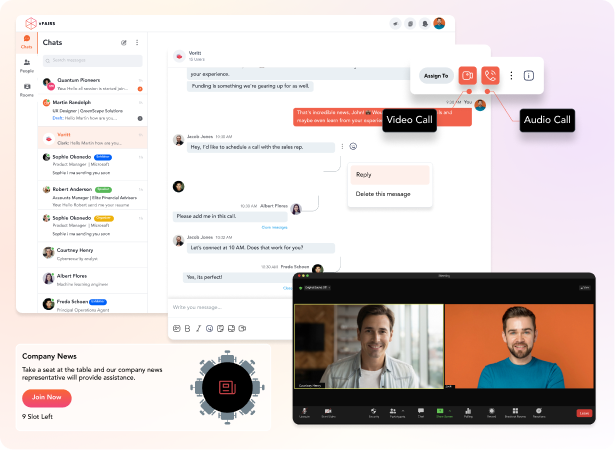
Keep the conversation going in chat through every stage of the event.
- Let onsite attendees DM each other 1:1 inside the event app, whether they are on the venue floor or logging in from a browser, so a meeting request can start as a quick hello.
- Open chat rooms per booth on the virtual platform so attendees can directly chat with booth reps.
- Let remote attendes hop on group video calls on the virtual platform when a chat thread needs faces and voices.
Social Feed
Give the event its own social feed so attendees find content and people they would otherwise miss.
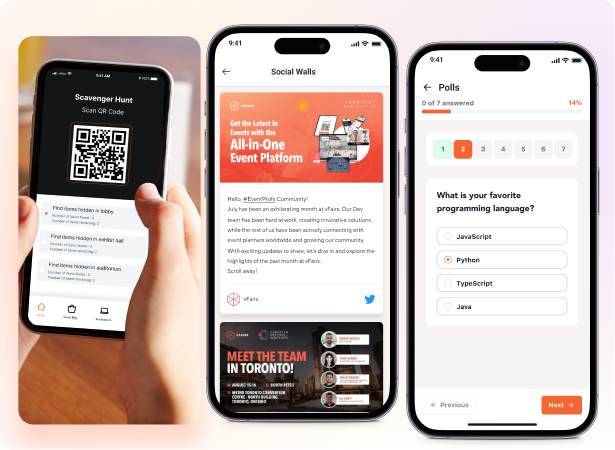
- Run a social feed inside the event app where attendees and exhibitors post photos, takeaways, and shout-outs from sessions, available on both in-person and virtual events.
- Let attendees like, comment, and reshare posts so the best content from the day rises to the top of the feed.
- Surface attendee photos and names alongside their posts so peers can tap through, read the bio, and start a chat with someone they would otherwise never have crossed paths with.
- Use global push notifications to call out a hot post or a networking session so attendees see what is happening across the venue, not just what is in front of them.
Gamification
Turn networking into a leaderboard that attendees want to compete for.
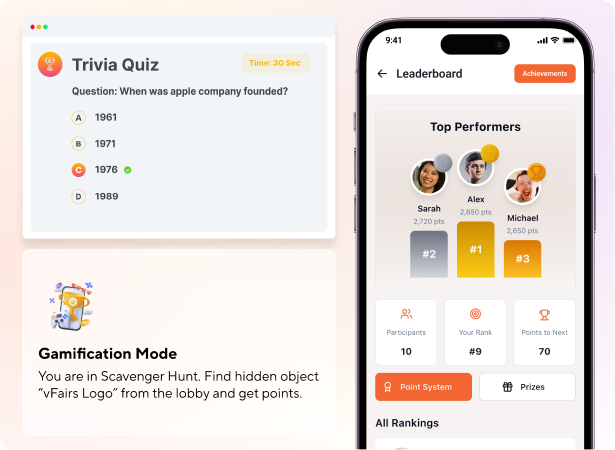
- Run an event-wide leaderboard that awards points for badge scans, completed meetings, session attendance, and social-feed posts, so attendees compete to network more.
- Set up a scavenger hunt that sends attendees to booths, sessions, and round tables to scan QR codes or answer questions, working the same way on in-person and virtual events.
- Award sponsored prizes from the top spots on the leaderboard so sponsors get logo time tied to a behavior you actually want attendees doing.
- Show the live leaderboard inside the event app so attendees see their rank update through the event, not after it ends.
Webinars
Enable attendees to participate in sessions & webinars through live polls and Q&A.
- Run live Q&A where attendees submit questions, upvote each other's, and the moderator surfaces the best ones to the speaker.
- Open a group chat inside every webinar so attendees discuss the speaker's point in real time and find others who care about the same thread.
- Let attendees tap through a chat participant's avatar straight into their bio, then send a meeting request or DM without leaving the webinar.
Reporting & Analytics
Report on the networking outcome leadership actually asks about.
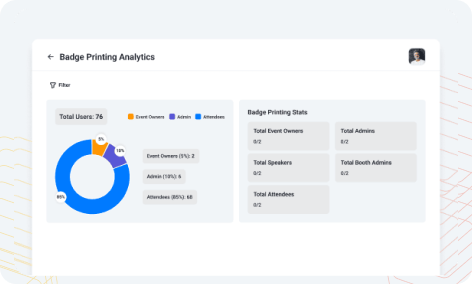
- Pull total matches made, meetings booked, badge scans, and chat conversations into one report you send leadership the morning after the event.
- Track booth scans, meetings booked, and lead counts per sponsor so renewal conversations open with quantified results.
- See which round tables, sponsored table talks, and webinars drove the most follow-up activity, so next year's agenda is built on what actually worked.
- Let your exhibitors port their captured leads to their CRM after the event so their team can follow up at scale.