








Form Builder
Capture Every Detail You Need, With Drag & Drop.
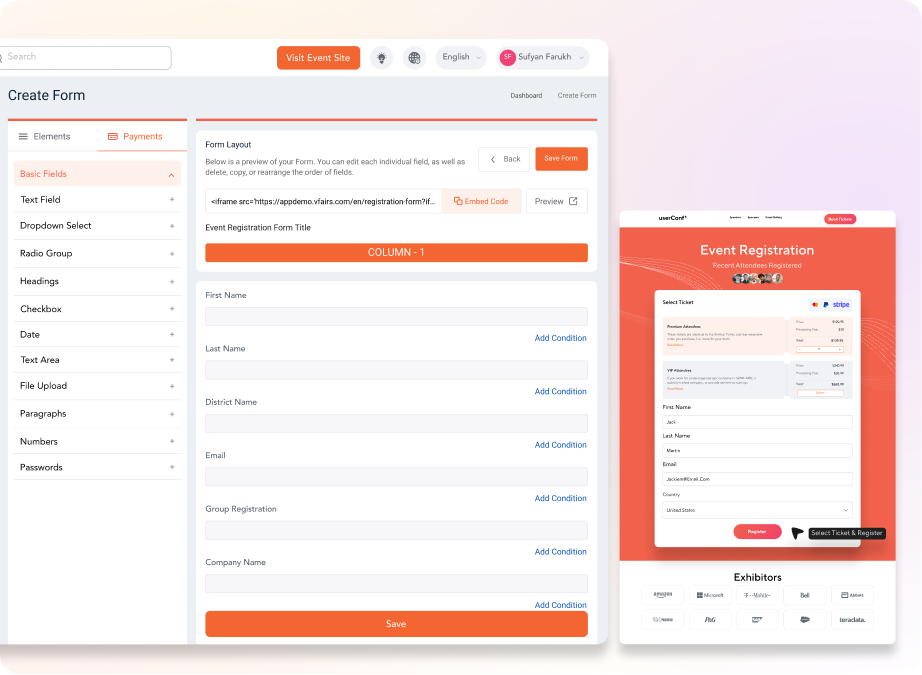
- Drag any field type onto your form (text, dropdown, checkbox, date, file upload) and arrange it without writing a line of code.
- Save form templates and field libraries to reuse across every event you run, instead of rebuilding from scratch.
- Preview the form on desktop and mobile as you build, so what you ship matches what attendees see.
Configuration
Configure The Form To Match How Your Event Actually Works.
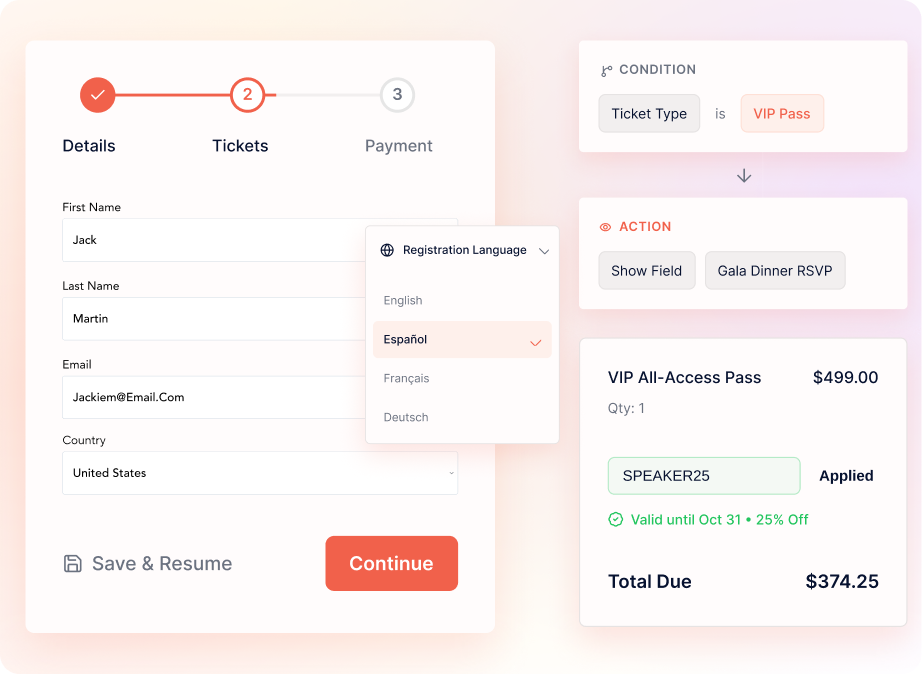
- Branch attendees down different paths with conditional (and-or) logic so each role, segment, or ticket tier sees only the fields that apply.
- Split long forms into multi-page flows that cut abandonment, with progress bars and save-and-resume support.
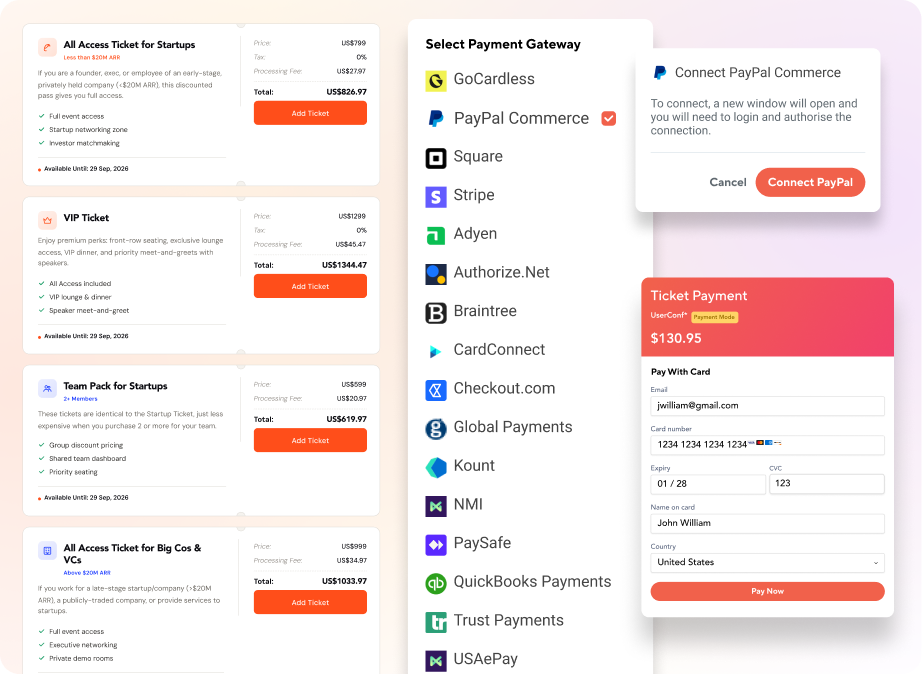
- Apply discount coupons and promo codes that auto-validate at checkout, with rules for usage limits, expiry dates, and ticket-tier eligibility.
- Translate forms into Spanish, French, German, Mandarin, Arabic, or countless others, so global attendees register in the language they read fluently.
Event Website
Launch A Branded Event Website In Days, Not Months.
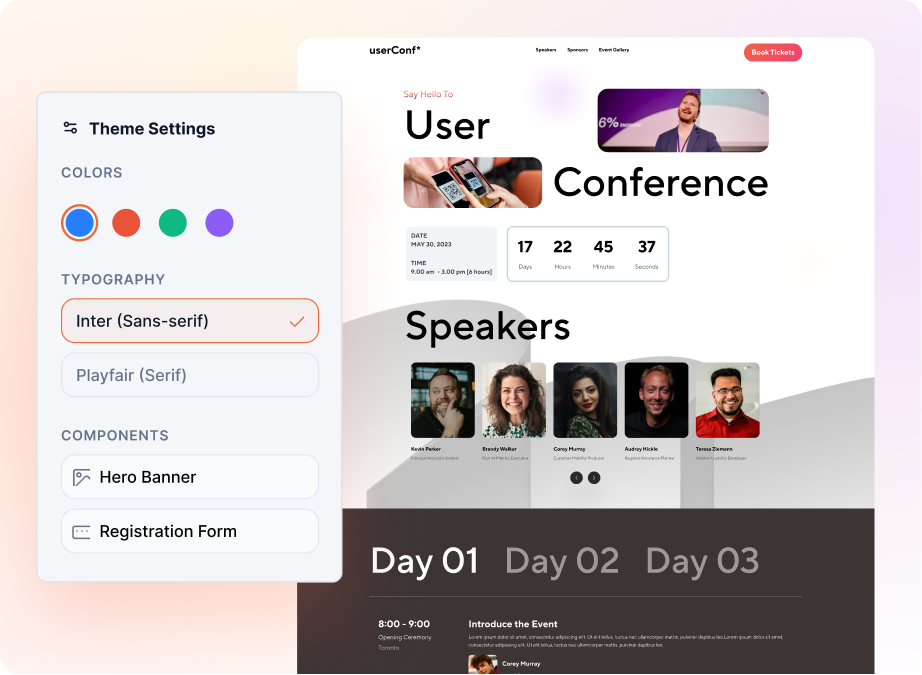
- Pick a template built for your event type (conference, trade show, job fair, fundraiser, festival), or build a multi-page site from scratch with the drag-and-drop builder.
- Customize colors, fonts, and assets, then save them as organization-level brand kits to reuse across every event your team runs.
- Host on a branded URL, schedule when each page goes live, and ship WCAG-compliant sites out of the box.
- Embed the registration form directly on the site and pass UTM tags through to credit the campaign that brought each attendee.