

“The platform is life-like and simulates an in-person event. The attendees really liked the look and the feel of the platform and how easy it was to navigate.”
Erin D
- Event Manager
“The platform is easy to navigate for visitors as it feels very “real-world”, with natural feeling environments.”
Matt B.
- Multimedia Content Development and Production Expert
“The platform is very intuitive and provides a real conference feel in a virtual environment.”
Ian F
- Director Outreach and Engagement
“The 3D platform with external entrance, lobby, avatars and exhibitor booths giving our visitors as close to a physical show experience as possible”
Michele B
- Exhibition Organizer

vFairs Product Tour
Experience Live Product Demo
A Seamless Demo of All vFairs products - Transforming Event Industry Through Intuitive Solutions
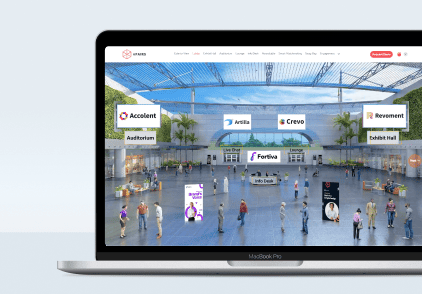
Virtual Event Platform
Start Product Tour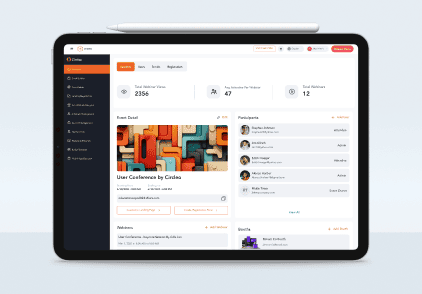
Platform Backend
Start Product Tour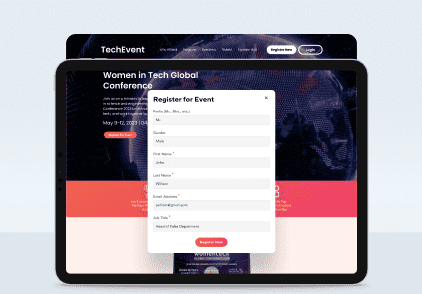
Registration & Ticketing
Start Product Tour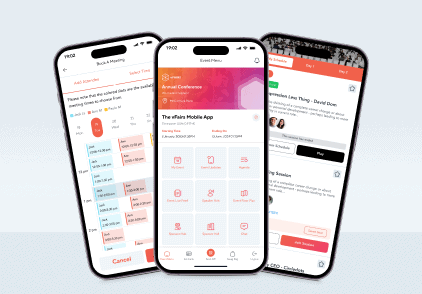
Event Mobile App
Start Product Tour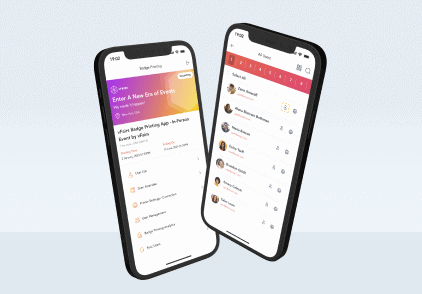
Badge Printing App
Start Product Tour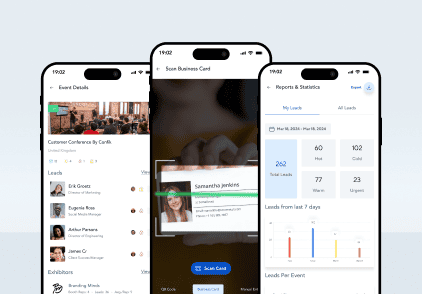
Lead Capture App
Start Product TourFrequently Asked Questions
What is a vFairs virtual environment?
vFairs virtual environments refer to the spaces attendees experience at virtual events. Virtual environments can refer to virtual lobbies, auditoriums, exhibit halls, help desks, lounges, or any other designed spaces within the virtual platform.
How realistic are the virtual environments? How can I demo them?
Virtual environments can be designed to reflect real-live venues in 3D, and can include animated avatars moving about the venue, making them extremely lifelike and realistic. To demo a virtual environment, please get in touch with us at [email protected]
Can I customize the virtual environment to match my brand?
Yes, you can create a virtual environment that fully encompasses your brand. Past vFairs clients have created virtual environments that look like their headquarters, campuses, or other creative custom designs that help them reinforce their brand image.
Are there different templates or designs available for the virtual environment? Do you have a library available for these virtual environments to browse through?
Yes, we offer a library of default templates you can choose from if you’d like a starting point for your virtual environments. In order to view these templates, get in touch with us at [email protected]
Can the virtual environment be tailored for specific event
types (e.g. job fairs, trade shows, conferences)?
Yes, your virtual environment can be tailored to your event type, and you can choose to include or exclude spaces based on what elements your event offers. For example, you can include an exhibit hall for employers to connect with candidates at a job fair, but exclude the auditorium if there are no presentations taking place. Likewise, you can choose to make the designs more professional or more exciting and creative depending if you’re hosting an industry conference or a festival.
How do attendees navigate the virtual environment?
Attendees can navigate through the environment by clicking on signage that has been built into the design. In 3D designs, you will find various ‘doors’ with signs over them that can be clicked to move you into the next virtual ‘room’. Additionally, you can add items to a menu bar at the top of the page that allows attendees to click through to various spaces anytime during the event.
Can exhibitors have their own customizable booth within the virtual environment?
Yes, we offer exhibitors lifelike 3D booths that they can design themselves, add booth representatives and resources to, and network with booth visitors during the event.
Are live presentations and webinars supported?
Yes, vFairs supports live presentations and webinars through our virtual auditorium.
How do attendees access the virtual environment?
Attendees can access the virtual environment by signing in through your event URL once the event goes live.
Related Content
Game Changing
Virtual, Hybrid And In-Person Events
Whether you’re hosting events online, onsite or both, vFairs offers a customizable event platform and tech solutions to make your events epic.