
Webinar Management Platform

Host Powerful Webinars That Deliver Results

Run dynamic multi-track webinars—live, semi-live, or on-demand—all from one platform. Boost engagement with interactive polls, Q&As, and breakouts while managing series of webinars & multi-casting across platforms.

Trusted By Top Organizations. Recognized by Gartner & G2.

Host Webinars for Every Business
Scenario, With Ease.

Whether you're hosting a multi-day conference, internal training, or a product launch event, vFairs has all the tools to deliver the goods.

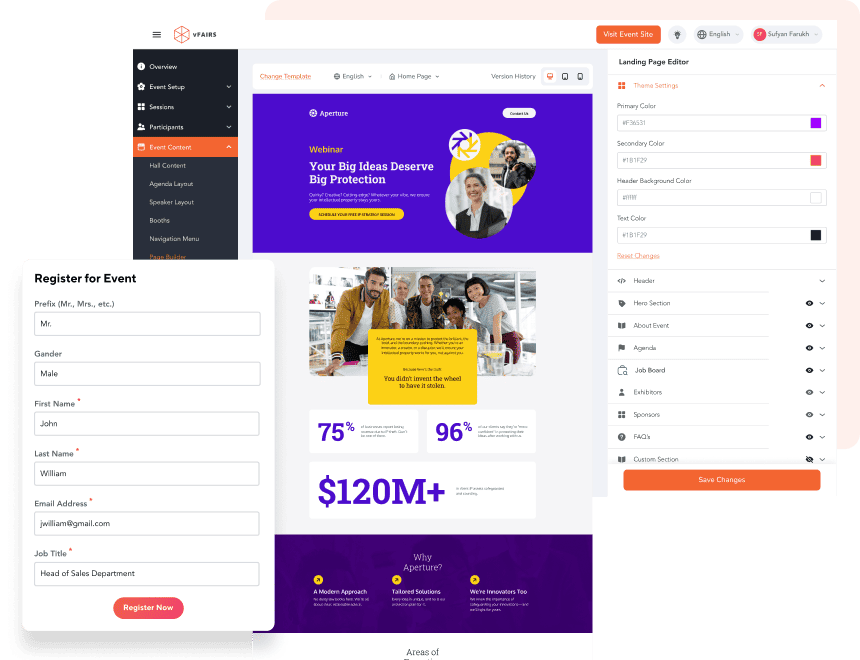
Build Custom Webinar Registration Sites To Capture Attendee Details.

  • Build branded registration pages with our drag-and-drop website builder & include engaging images, videos & graphics.
  • Capture custom info like work email, phone, industry from registrants.
  • Create tailored pages for moderators, speakers & attendees.
  • Enable attendees to make payments for exclusive webinars to secure their spots.
  • Launch multi-lingual sites and pages to cater to diverse audiences.
build-custom-webinar-registration-sites-to-capture-attendee-details

Deliver Live & Semi-live Webinars That Keep Audiences Hooked.

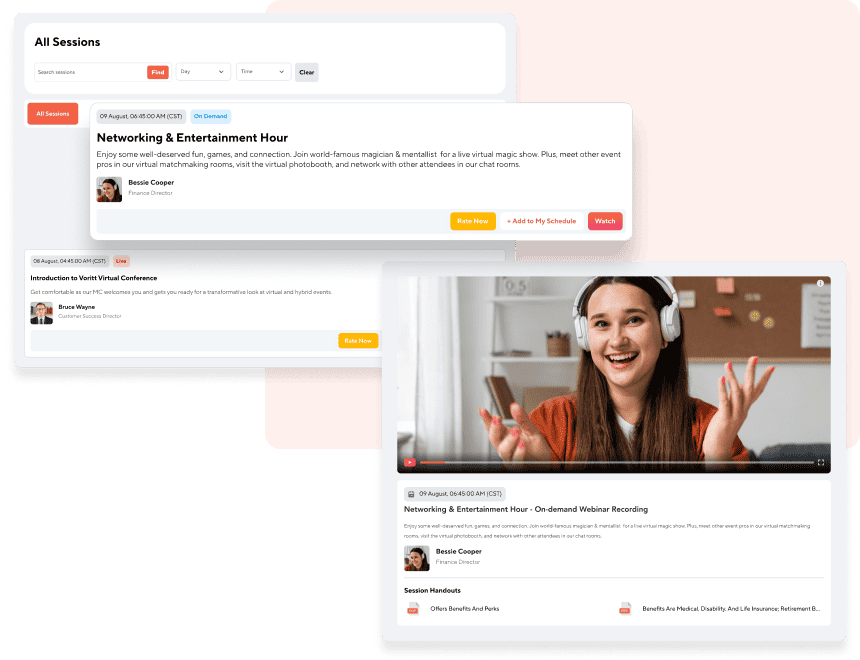
  • Host keynotes, panel discussions, and presentations with options for live, semi-live (pre-recorded with live Q&A), or on-demand content.
  • Enable hosts to join live sessions like trainings or product demos to answer questions and manage the audience.
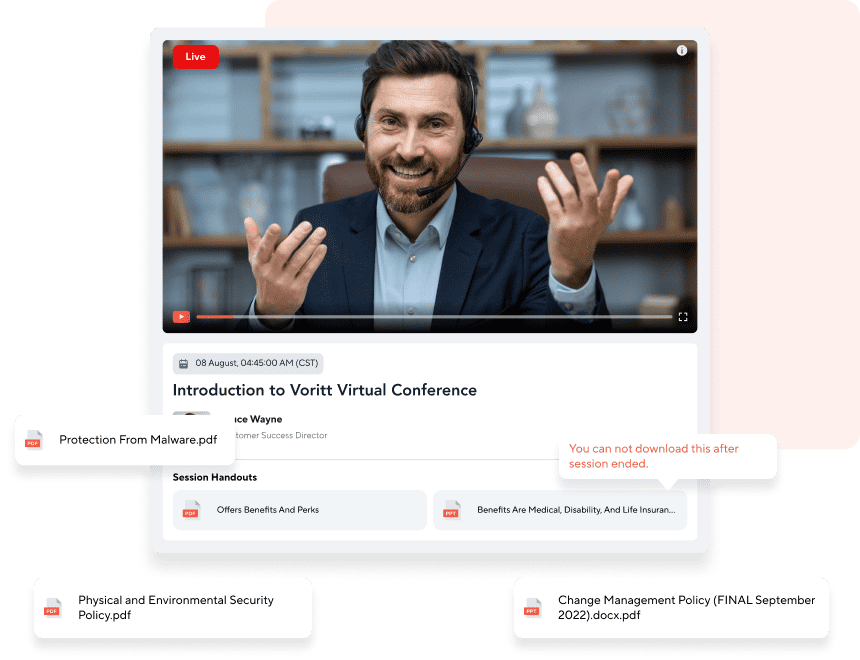
  • Display session tracks, speaker names, bios, and provide downloadable handouts.
  • Add countdown timers to live sessions for better attendee planning.
  • Utilize Zoom in both meeting and webinar formats for live sessions, with real-time interaction.
deliver-live-semi-live-webinars-that-keep-audiences-hooked-2

Turn Your Webinars Into Effective Lead Magnets.

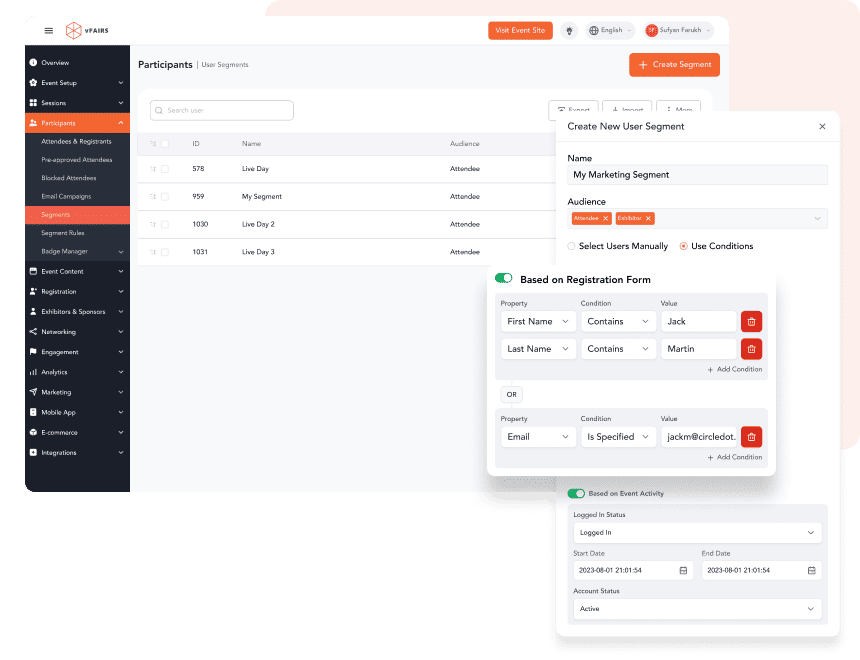
  • Qualify & segment leads easily with custom data captured during registration.
  • Spark conversations and identify high-intent attendees using various engagement features.
  • Gather additional lead insights with gated content like case studies, white papers & brochures.
  • Turn engagement into real sales opportunities via 1:1 or group meetings.
  • Nurture leads by syncing webinar data with HubSpot, Salesforce, and other MarTech platforms.
turn-your-webinars-into-effective-lead-magnets

Engage Your Attendees With Live Polls, Q&As & Chat.

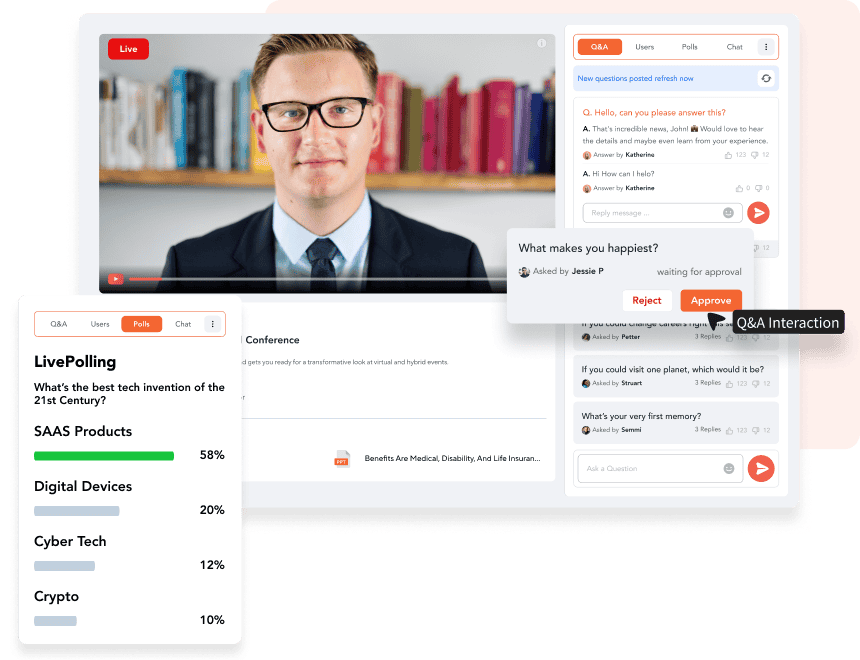
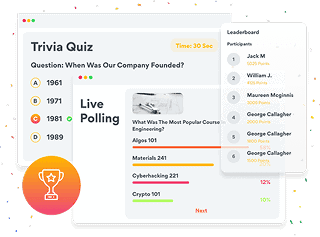
  • Launch polls during the session to gather instant attendee insights.
  • Display poll results live on-screen to encourage audience participation.
  • Filter, approve, and respond to questions in real-time & address them live on-air or through written answers.
  • Facilitate real-time conversations and discussions with vFairs Chat Networking Platform.
  • Ensure a safe & professional environment with chat moderation tools.
engage-your-attendees-with-live-polls-qas-chat

Enable Attendees To Manage Multi-Track Agendas With Ease.

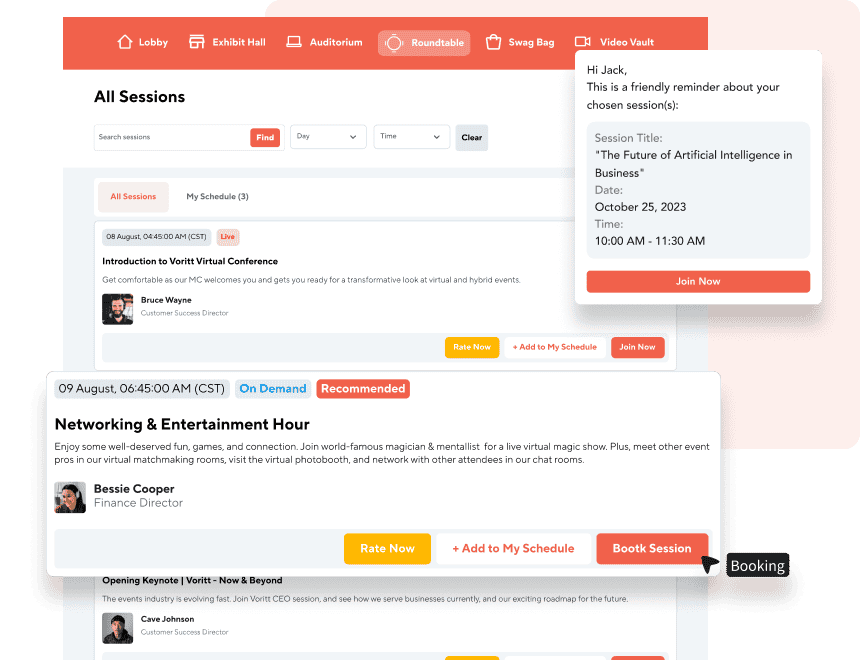
  • Allow attendees to curate their own schedules by selecting preferred sessions.
  • Facilitate attendees with a multi-track timeline view, allowing them to navigate multiple webinar tracks seamlessly.
  • Offer tailored session recommendations based on attendee interests.
  • Enable one-click session booking for a seamless experience.
  • Send automated reminders to attendees for their chosen sessions.
  • Provide real-time updates on session availability and changes.
enable-attendees-to-manage-multi-track-agendas-with-ease-2

Inform Attendees Before, During & After With Event Marketing Tools.

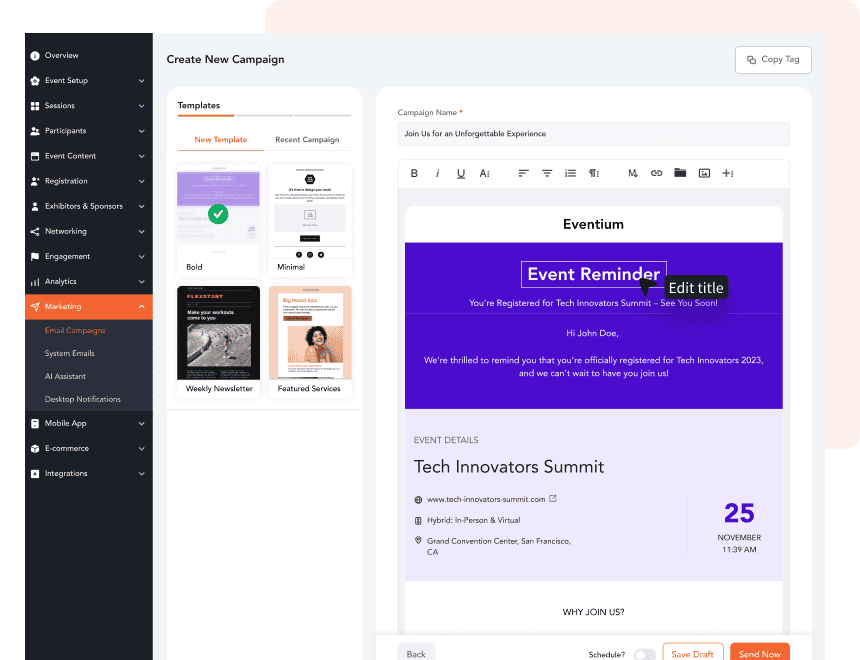
  • Send reminder emails or texts with webinar details, schedules, and access instructions.
  • Share updates about the webinar content or session schedule.
  • Invite attendees to quizzes or trivia games (via kahoot integration) to build excitement before the event.
  • Share personalized thank-you emails with webinar highlights and key learning outcomes.
  • Keep attendees informed about upcoming webinars or sessions with engaging emails.
inform-attendees-before-during-after-with-event-marketing-tools

Enable Presenters To Upload & Manage Content With Ease.

  • Upload handouts & presentations to provide attendees with
    supporting collateral for the webinar.
  • Support for a range of file types and formats e.g. PDFs, PPTs, DOCs, images, etc.
  • Enable attendees to download content before, during, or after the session.
  • Control which handouts are visible and ensure materials are available only during specified times or to specific attendee groups.
enable-presenters-to-upload-manage-content-with-ease

Expand Reach with Accessibility & Streaming Features.

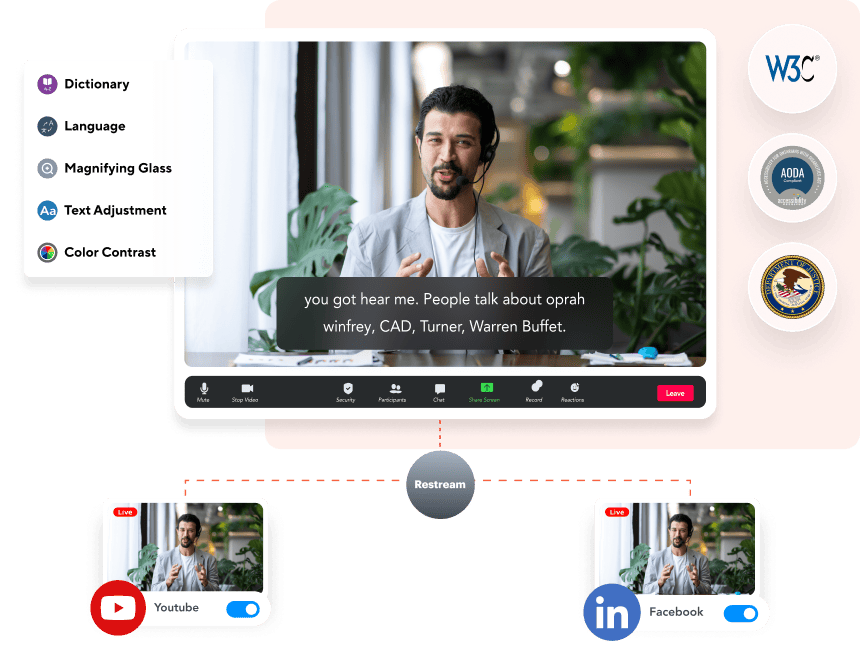
  • Enhance accessibility with automatic captions for every session.
  • Offer real-time multi-lingual translations for webinars to engage a global audience.
  • Enable multi-cast streaming to platforms like YouTube, LinkedIn, and more via Restream.
  • Extend the life of your webinar with on-demand access to recordings.
expand-reach-with-accessibility-streaming-features

Integrate With External Webinar Platforms To Deliver Success.

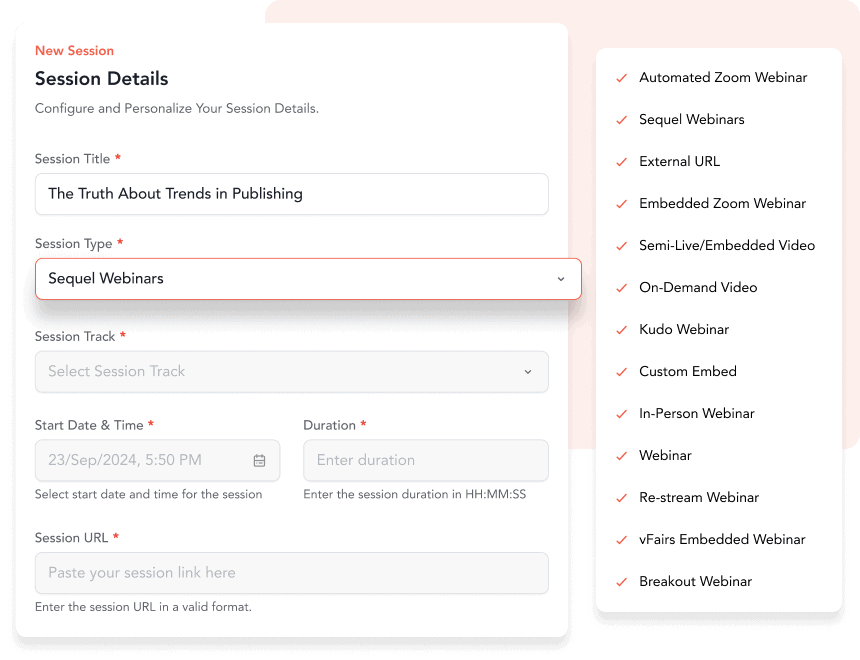
  • Seamlessly run sessions using Zoom, leveraging its familiar interface and advanced video capabilities.
  • Integrate MS Teams for enterprise-level sessions and internal company events.
  • Connect with Sequel for immersive & customisable virtual sessions.
  • Choose the platform that best fits your audience’s needs while managing all sessions through the vFairs webinar platform.
integrate-with-external-webinar-platforms-to-deliver-success

Understand How Your Webinar Performs With Reports & Analytics.

  • Track registrations, user logins & live online attendees.
  • Get comprehensive reports on session attendance, interactions, downloads, and chat engagements.
  • Analyze the popularity of content, gamification, polls, and surveys to assess attendee engagement.
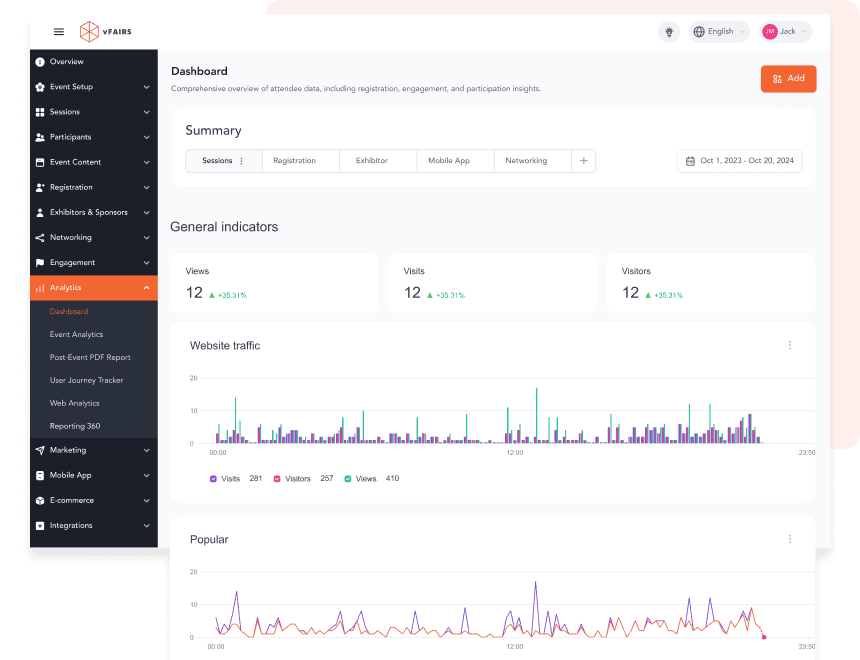
  • Gain behavioral insights, revenue stats, website analytics and track webinar success with a comprehensive reporting dashboard.
  • Export all data to your CRMs and integrated Martech solutions.
understand-how-your-webinar-performs-with-reports-analytics
Why Lifecycle AI Matters

What Else Can You Do with vFairs?

image-2-8-2

Chat and Networking

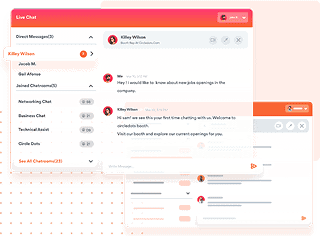
Facilitate real-time interactions and networking opportunities for attendees through integrated chat features.

image-2-5-3

Webinar

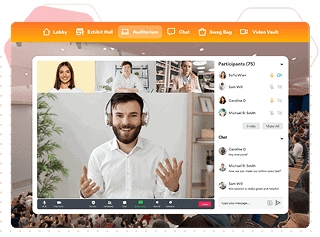
Host live or pre-recorded webinars with interactive features such as Q&A and polls.

image-2-6-2

Virtual Environment

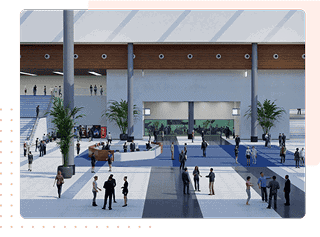
Create immersive and customizable virtual event spaces that replicate the feel of in-person events.

image-2-7-2

Event Gamification

Enhance attendee engagement with gamification features like leaderboards, points, and rewards.

“The platform was a great way to showcase content and provided a central space to organize over 600 live webinar events.”

Jennifer C
  • Assistant Director of Training Program Assessment

“ VFairs helped us set up Zoom breakout rooms so attendees could see and speak with each other rather than just using text-based chat.”

Anika M. P
  • Program Coordinator

“Integration of Zoom webinars allowed the live presentations to run smoothly.”

Margery S
  • Board Secretary, Conference Planning Committee Member

“vFairs is a breath of fresh air to other traditional Zoom/virtual meeting platforms. It gives quite a bit of visual interest and battles the ongoing Zoom Fatigue with interesting graphics and ease of use.”

Christy W
  • Program Coordinator

FAQs

What is a webinar?

A webinar is an online session on a specific topic with one or multiple speakers and a virtual audience.

How to host a webinar with vFairs?

You can get in touch with us at [email protected] or book a demo.

How to design a webinar that is interactive?

To make your webinar more engaging and interactive, you can add features like polls, Q&As, and breakout rooms to get the audience's attention.

Game Changing
Virtual, Hybrid And In-Person Events

Whether you’re hosting events online, onsite or both, vFairs offers a customizable event platform and tech solutions to make your events epic.